Teach your child to be money smart with Gimi

Bank of Ireland UK has partnered with the Gimi app to help your child learn and use money smartly.

As a parent, you can set chores, reward your child, and review their financial habits together. When you link your child’s account, they can check their balance, see where they spend their money and set savings goals.

Fun and easy activities in the app help them build money skills along the way. In the end, financial education becomes something you do together.
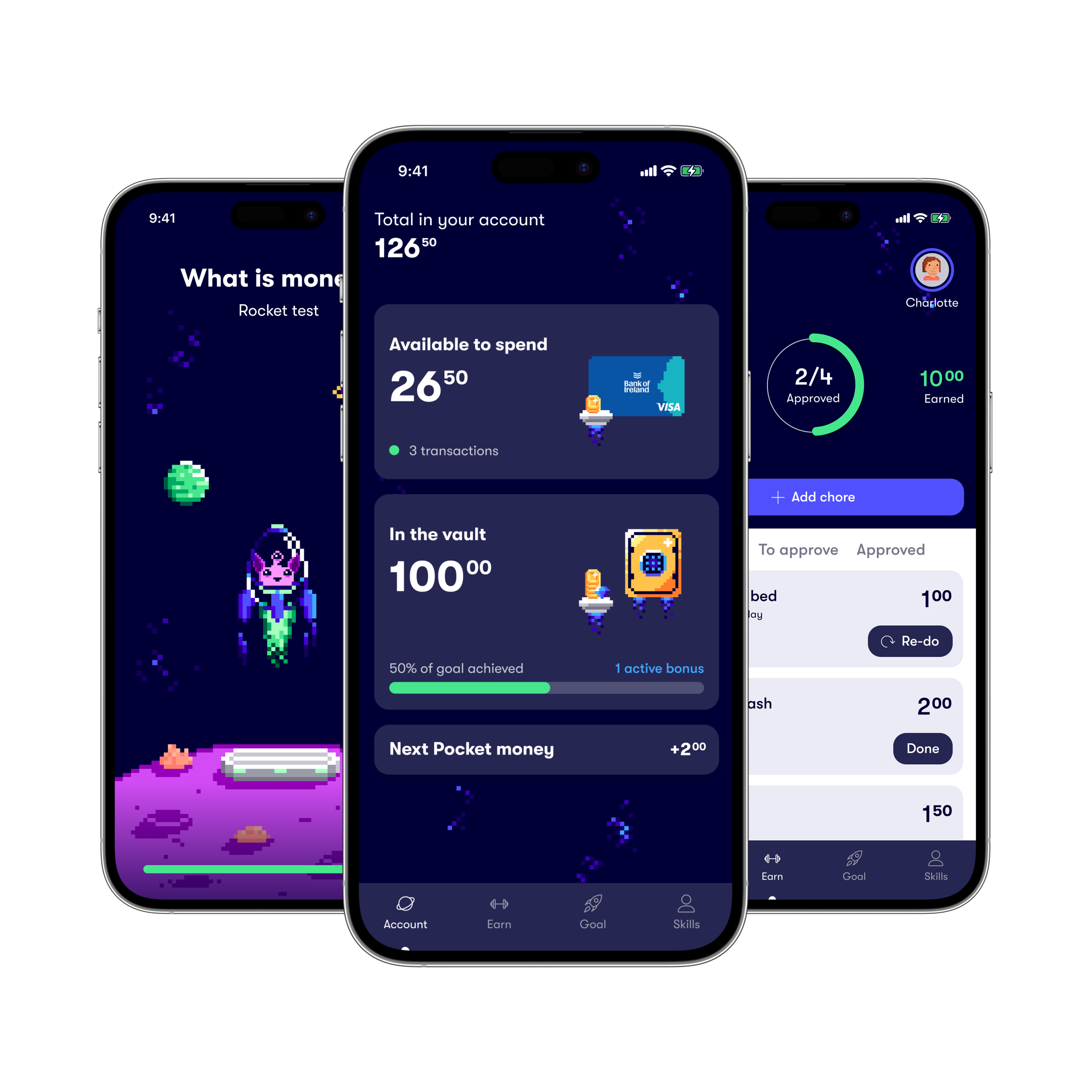
What you and your child can do with Gimi

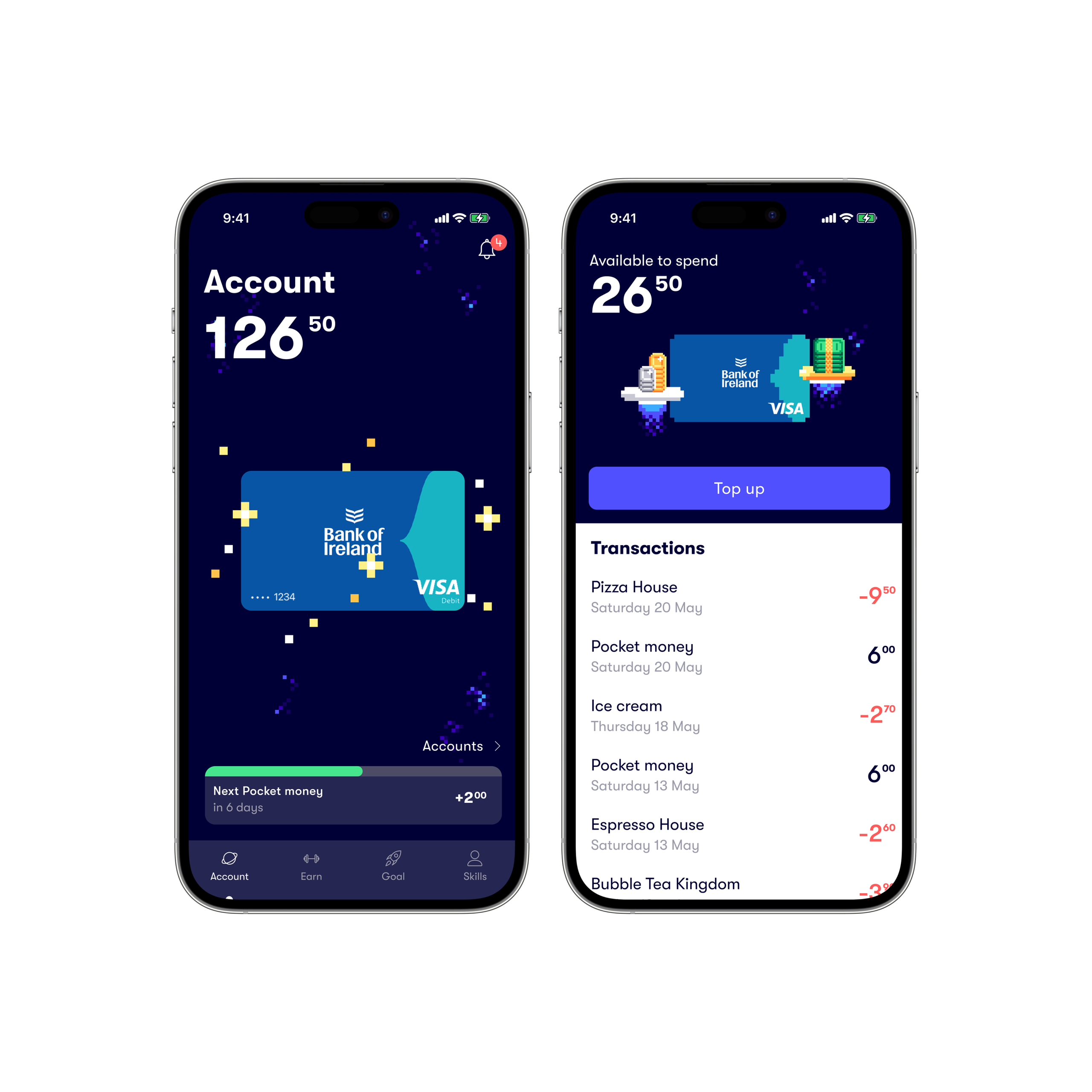
Keep track of their balance and spending

Your child can keep track of how much they have and how they have been spending their money through a child-friendly interface.

You’ll be able to see their balances and transactions, along with helpful insights into their spending and saving habits.
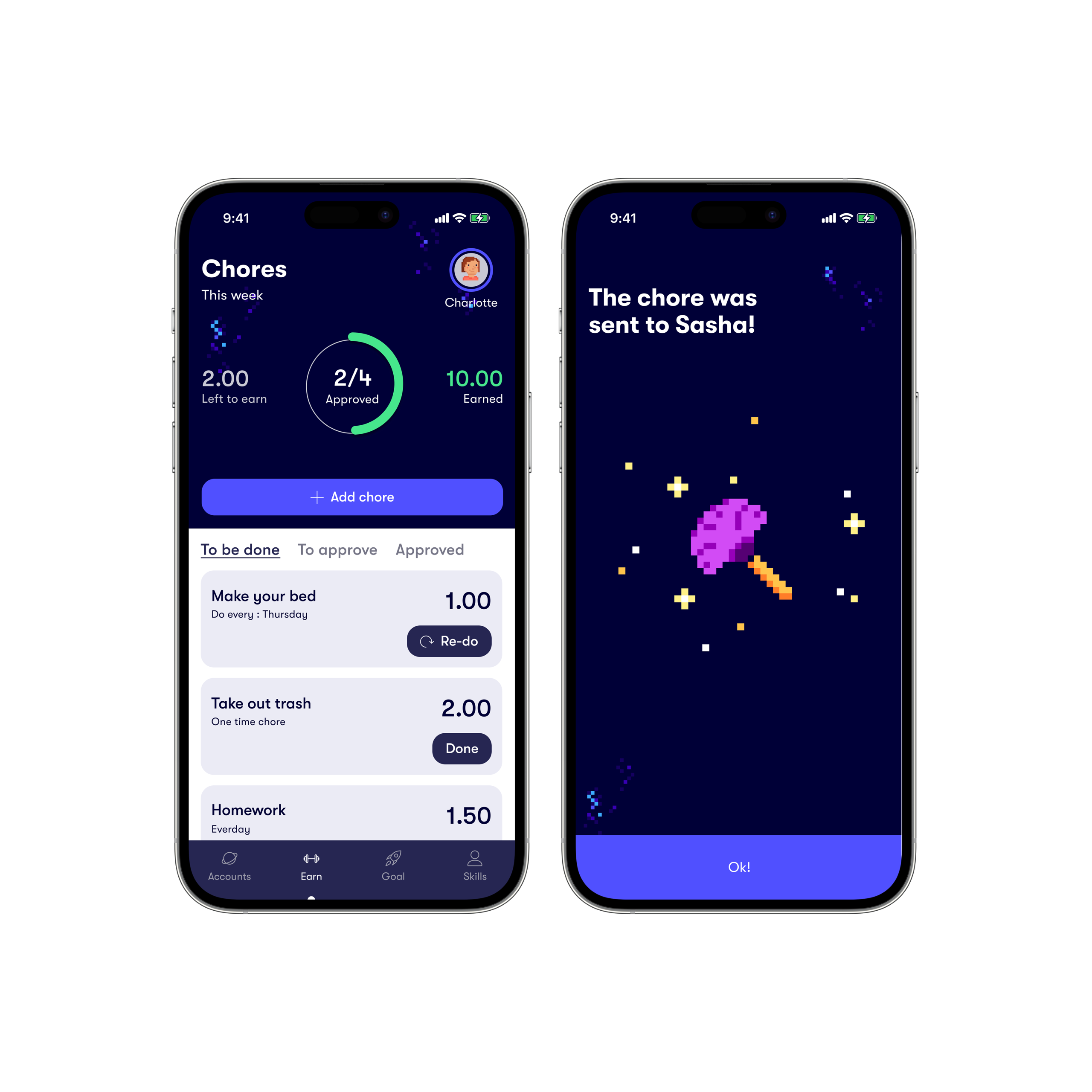
Set out tasks and rewards

Set chores, approve when they’re done and reward their hard work.

Children receive notifications when a chore is assigned. Once they’re done, they can send it to you for approval. They can also suggest their own chores and take more responsibility at home.
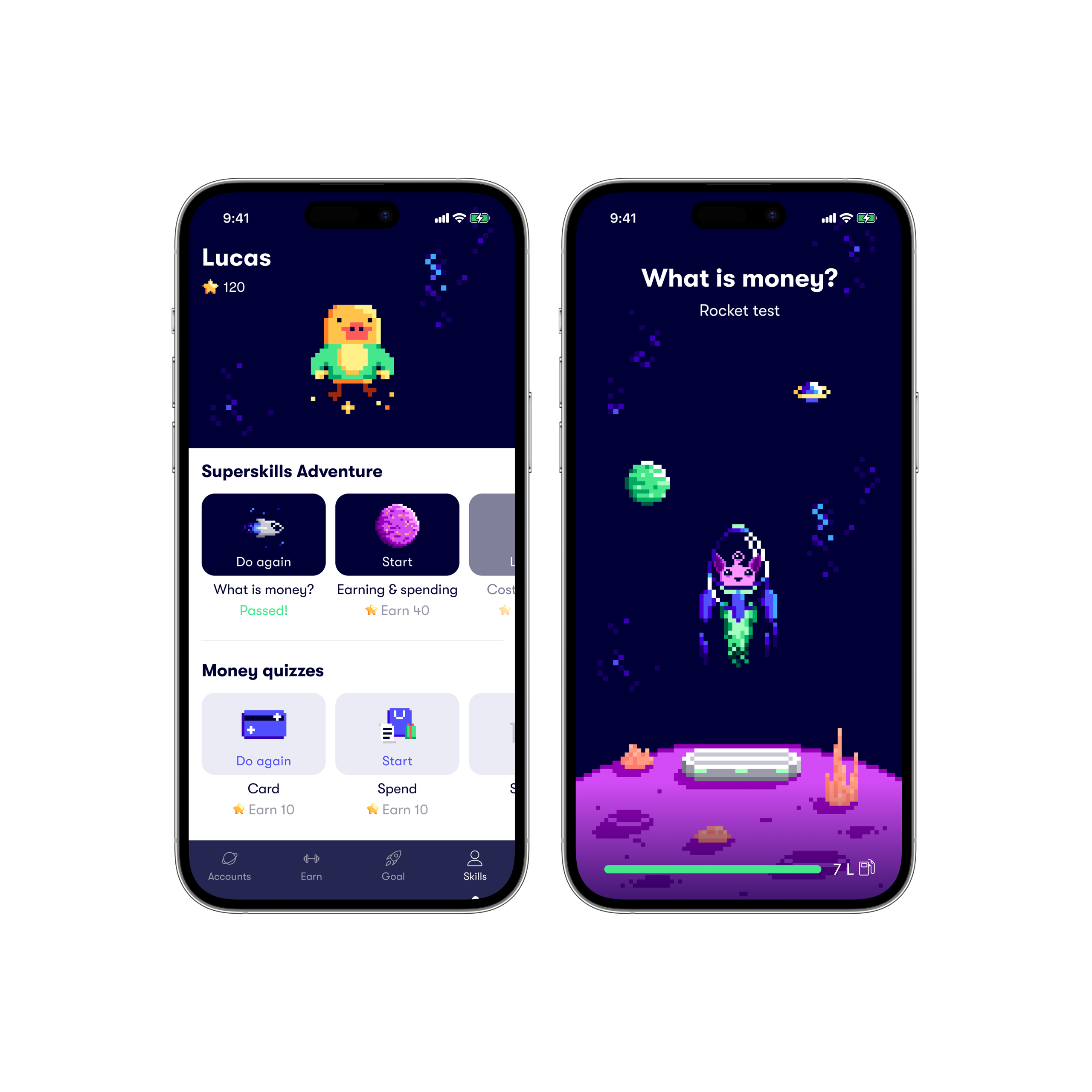
Fun lessons and money challenges

Your child learns about money in a fun way. Your child can explore lessons and challenges, complete quizzes, earn rewards and create their own avatar along the way. As they learn, they can earn stars, badges and build their own avatar.
Set savings goals

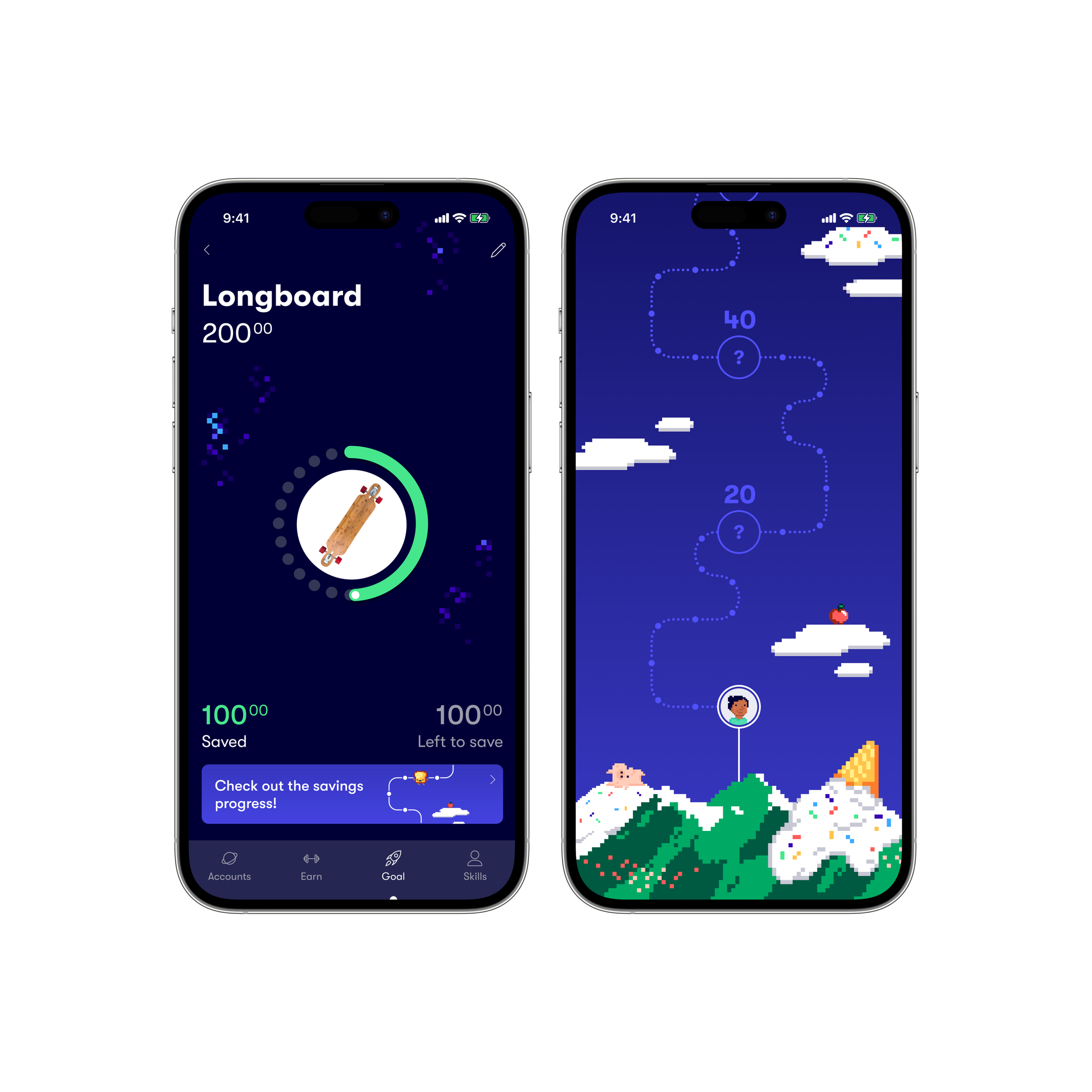
Your child can set their own savings goals and choose how much money to keep safe in their virtual vault. Each time they receive pocket money or earn rewards, they can watch their savings grow. Learning to save helps children build good money habits and make smarter choices with their money.
Get started with Gimi in 3 steps

  • Step 1

    Make sure your child has a Student Account. You’ll need to be registered for 365 Digital Banking with the 365 User ID and 6-digit passcode for your child’s account, and have logged in to our app at least once.

  • Step 2

    Download the Gimi app from the App Store or Google Play on both your and your child’s mobile or tablet.

    Download on the App Store
    Get it on Google Play

  • Step 3

    Follow the Gimi app instructions making sure to input the your child’s user ID and 365 PIN to connect their Student Account to Gimi.

Frequently asked questions

  • How do I connect my student account to the Gimi app?

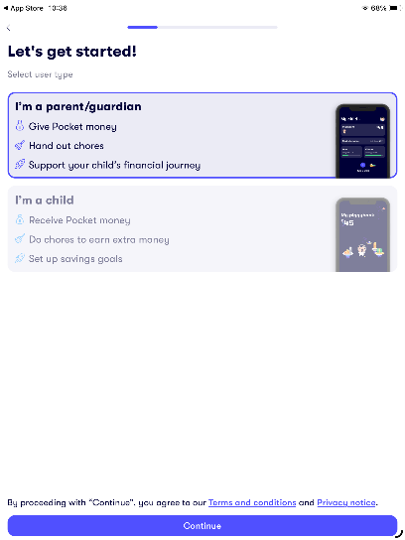
    1. Create a parent’s account. Enter your phone number and name, and, if you like, add a profile photo.

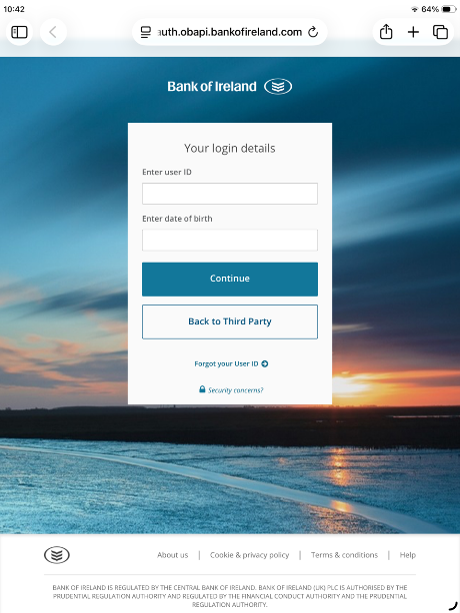
    2. Link your child’s Student Account to Gimi choosing Bank of Ireland enter your child’s 365 username and 6-digit passcode, then select the Student Account to link it to Gimi.

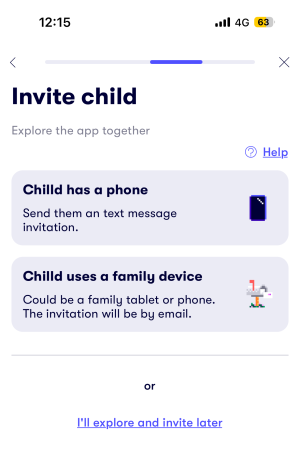
    3. Invite your child entering their name, email or mobile number and age. You will receive a link on their device to complete their set up.

      Tip: Add the Gimi widget to your child’s phone home screen so they can quickly see how much money they have available to spend.

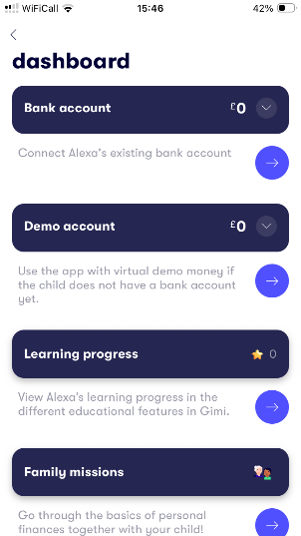
    4. Start creating chores, invite your child entering their name, email or mobile number and age. Install Gimi for your child on a different phone or tablet.

  • What is Gimi?

    Gimi is a financial app that helps your child understand how money works through weekly allowances, savings goals and assignments. The app has been developed with the support of child psychologists and financial experts to provide a safe and educational experience.

    We at Bank of Ireland UK are committed to equipping the next generation with the financial knowledge and skills they need to thrive. Through our partnership with Gimi, we aim to help parents teach the money management skills their children need in order to succeed in the future.

    Bank of Ireland UK is not involved in the development of the Gimi app. The Gimi app is provided by Gimi AB. Gimi AB is a registered Payment Service Provider for account information with the Swedish Financial Supervisory Authority, and operates under its supervision.

  • Does it cost anything to use Gimi?

    Gimi is free of charge when you link your child’s Student Account.

  • What is needed to be able to use Gimi?

    • Your child needs to have a Student Account and be under 14 years of age
    • You, the parent or guardian, need to be registered on 365 digital banking with access to your child’s account
    • You and your child need a phone or tablet
    • You and your child need a mobile number or email address.

  • Does real money appear in the Gimi app?

    When you as a parent connect your child’s account to the app, the real balance in the account is shown, as well as any transactions. The money stays in the Student Account with us. Your child can’t make purchases within the app, which is ad-free.

    Please note that if you don’t set up the link, the amounts seen in the Gimi app will be fictitious. In that case, there will be no actual balance in the app.

  • The Gimi app is not working properly. What do I do then?

    If the Gimi app does not work properly, please contact Gimi’s customer service or look at Gimi’s help centre. You can also find answers to frequently asked questions in Gimi’s Help Centre.

  • What about personal data and privacy?

    To use the Gimi app, you need to share some personal data with Gimi, such as your mobile number, your child’s date of birth, email or mobile number, plus your child’s 365 digital banking credentials.

    Before using, take a look at the terms and conditions and the privacy statement for the Gimi app.